

BetNow

MyBookie
A valid bonus code can still miss its moment if the wrong screen is submitted.
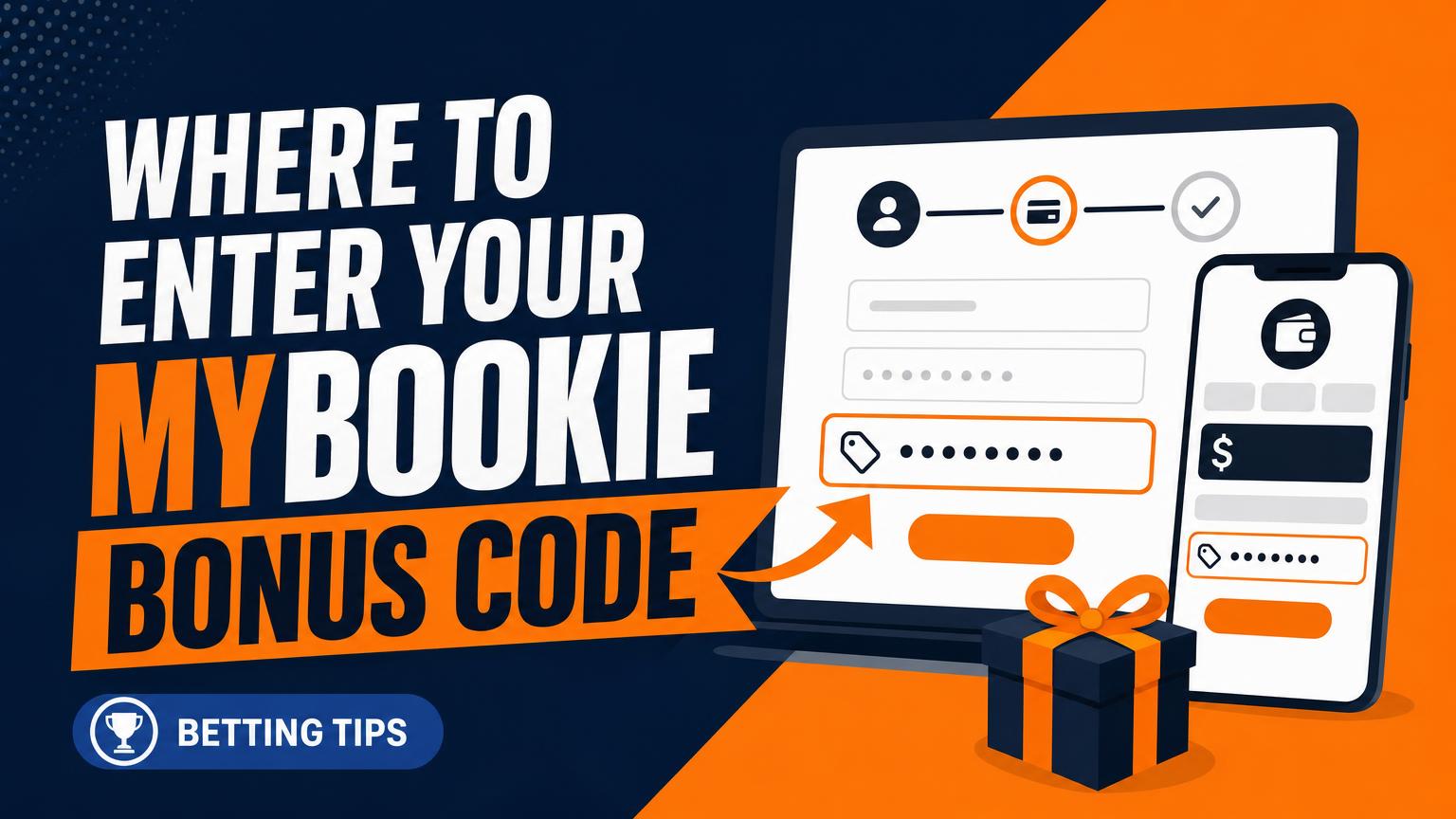
A copied code may belong on the registration form, yet some sign-up layouts show no obvious box. In other versions, the field appears in the cashier before the first deposit. Do not complete either step prematurely. Look for labels such as Bonus Code, Promo Code, or Referral Code.
Placement can change by device: mobile pages may hide the field behind an offer menu or expandable panel, while desktop layouts may place it beside the account details.
If registration finishes without the code, do not assume it can be added later. Contact MyBookie support before funding the account; retroactive promotion credit may not be available.
Check the offer before opening an account
The correct entry point depends on where the offer came from. A code supplied by an affiliate, email, or advertisement may belong in the registration form if the terms say it must be applied when the account is created. If the instructions connect the bonus to a qualifying payment, the code usually belongs in the cashier or deposit screen instead.
Some campaign links track the promotion automatically. In that case, no code should be entered; replacing the tracked offer with an unrelated code could remove or change the intended bonus. The landing page and current terms should take priority over copied codes, screenshots, or older instructions.
Top Crypto Sportsbooks for November 2026
BetNow
MyBookie
Before registering, check:
- Location and age eligibility, including state or country restrictions.
- Whether the promotion is limited to new customers, one account per person, household, or IP address.
- The minimum deposit, accepted payment methods, activation deadline, and playthrough conditions.
- Campaign limits, such as eligible sports, leagues, bet types, or minimum odds.
Those last details matter with seasonal offers. For example, NFL-focused promo codes may apply only during a stated campaign period or to qualifying football wagers. Saving the offer page and terms before sign-up provides a useful reference if the bonus does not appear.
Start from the correct promotion
Begin with the official MyBookie promotion page tied to the intended welcome offer. Before continuing, check that the page displays the expected promotion—such as the 100% deposit match up to $500 plus a $25 chip—and review its current terms.
A promotional link may apply tracking automatically, so no visible bonus-code field appears. With a manually entered code, the code must be typed into the designated field during registration or deposit. Do not assume both methods are required; follow the instructions shown on the selected offer page.
Existing customers should sign in and check available promotions rather than open another account. Duplicate accounts may be restricted and can create problems with bonus eligibility. If the expected offer is missing, support should be contacted before registration or funding.
Add the code before creating the account
- Open the sign-up form
Proceed through the registration fields until the promotion entry appears. It may be shown on the first screen or near the final account-confirmation button.
- Check alternate field names
Look for labels such as Bonus Code, Promo Code, Referral Code, or Offer Code.
- Expand optional sections
If no field is visible, open links or menus labeled Optional, Have a code?, or similar. On mobile, the entry box may sit inside a collapsed panel or below the visible portion of the form.
- Enter the exact code
Copy the code exactly as provided, without adding spaces before or after it. Pasting can introduce a trailing space, so the field should be checked carefully.
- Confirm before submitting
The code must be entered before account creation is finalized whenever the registration form provides the field. Review it once more, then submit the form.
If the expected field remains missing, avoid completing registration until the promotion instructions have been checked. Returning to the official offer link, switching to a full desktop view, or contacting support can prevent the account from being created without the intended code.
Confirm the offer before depositing
After registration, check the account dashboard, promotions page, bonus wallet, and welcome messages. Look for the expected offer name, bonus status, or confirmation that the code was accepted. A pending bonus may be normal when a qualifying deposit is required, but the promotion should still match the intended terms.
Before adding funds, save:
- A screenshot of the offer page and its terms
- The bonus code entered, if applicable
- Any success message or confirmation email
- The registration date and approximate time
If the offer is absent or registration ended without a success message, do not deposit merely to test it. Contact support and ask whether the promotion is attached to the account.
Depositing before support confirms eligibility can make a correction harder. Keep the support transcript or case number with the saved screenshots.
Check the bonus before submitting the deposit
- Choose the deposit method
Open the cashier and select an eligible payment option. Changing methods later can alter bonus eligibility or remove the promotion controls.
- Enter the intended amount
Type the deposit amount but do not authorize payment yet. This allows the cashier to display any minimum-deposit warning and the estimated bonus.
- Review the selected promotion
Look for a promotion selector, bonus menu, or code field near the amount or payment summary. If the sign-up offer is already attached, leave it selected unless its terms specifically require replacement.
- Add a second code only when permitted
Another code is appropriate only when the offer instructions say it can be combined or entered separately. Codes for reloads or unrelated campaigns may replace the welcome offer rather than stack with it.
- Verify the projected match
Check the displayed bonus and total against the expected deposit-match value. Confirm the percentage, bonus cap, and minimum deposit before selecting the final payment button.
If no bonus appears in the summary, stop before payment and check the promotion status or contact support.
An automatically selected sign-up promotion may be tied to the registration link or account record. Entering a different code can replace it, and removing that code afterward may not restore the original offer.
Verify the package before depositing
- Read the active terms
Use the promotion and cashier screens, not an older advertisement or review.
- Confirm the match
Verify the percentage, cap, minimum deposit, and eligible payment methods. A 100% match up to $500 counts only when displayed.
- Check each extra
Confirm whether the $25 chip and Bet Back Bonus appear, along with any separate eligibility rules.
- Capture rollover details
Record the multiplier, applicable balance, qualifying odds, deadline, and withdrawal restrictions.
- Deposit match
Bonus credit calculated from a qualifying deposit, up to the stated cap.
- Bonus funds
Promotional credit, usually restricted until its wagering conditions are completed.
- Rollover
The wagering total required before restricted funds or associated winnings can be withdrawn.
- Bet Back Bonus
A conditional credit after a qualifying losing bet; limits and exclusions may apply.
Advertised features can change by account, location, or date. A basic explanation of sportsbook bonuses helps decode the wording, but the live offer terms determine what is actually attached.
Confirm every promotional credit separately
- Review and submit the payment
Check the deposit amount, payment method, selected promotion, and any displayed match before authorizing the transaction.
- Verify the cash balance
Confirm that the deposit appears in the main cash balance and that the transaction shows as completed.
- Check bonus and free-play balances
Matched funds may appear under bonus funds, rewards, or free play rather than in the cash balance.
- Locate the $25 chip
Look for the chip in its own wallet, rewards area, or promotion history; it may not post alongside the match.
- Confirm Bet Back status
Check the promotions page, account messages, and qualifying rules. Enrollment or protection may appear separately after the deposit.
Cash, matched bonus funds, free play, the $25 chip, and Bet Back protection can use different account areas or posting timelines. Save the receipt and promotion screenshots, then contact support if any expected component remains missing.

Set Up the Full Offer
A qualifying first deposit may unlock a 100% match up to $500, a $25 chip, and access to Bet Back Bonus. Starting through the sign-up offer helps establish the promotion before funding.
Fix common bonus code problems
Why is the bonus code field missing?
Expand any “Promotion” or “Referral” row and compare the mobile and desktop layouts. If the field still does not appear, the offer may be tracked automatically or unavailable for that account.
Why was the code rejected?
Check capitalization, spacing, expiry dates, location, customer status, and payment-method rules. It also helps to confirm which current welcome offers require a code rather than relying on an older promotion page.
Why did an accepted code disappear?
A code may vanish after registration even when the promotion remains attached. Check the account’s promotion area or cashier summary, and save screenshots before funding the account.
What if the deposit posted but the bonus did not?
Review the cash balance, bonus balance, transaction record, and any confirmation message separately. Delayed or missing credit should be raised with support using the code, deposit amount, timestamp, and screenshots.
What if the deposit was made before entering the code?
Do not make another deposit just to trigger the offer. Contact support with the transaction details, but eligibility for retroactive credit depends on the promotion terms and is not guaranteed.
A second payment can create another transaction without fixing the promotion. Preserve evidence first: capture the offer, code entry screen, cashier summary, confirmation message, and transaction ID, then ask support to verify the account’s status.
Confirm first, act second
At registration, checkout, and after payment, confirm that the intended promotion is attached. Save screenshots of the entered code, offer terms, deposit receipt, and any chat transcript. Then inspect the promotional balance or relevant reward wallet—the cash balance alone may not show the credit.
If the offer is missing, rejected, or different from the expected package, stop and contact support before depositing again or placing a bet. Do not withdraw, transfer funds, or wager until rollover, expiry, and forfeiture terms are clear.
Review whether a deposit can be withdrawn while a bonus is active before requesting a payout. A withdrawal or transfer may cancel promotional funds, progress, or related rewards.
Top Crypto Sportsbooks for November 2026
BetNow