
An odds alert is only useful if the price can be traced back to a book.
A phone buzzes three times during one game, but the notifications all seem to report the same line move. One may be a repeat from an odds tool; another may show a different sportsbook offering a better price. Silencing both would make the feed tidier, but less useful.
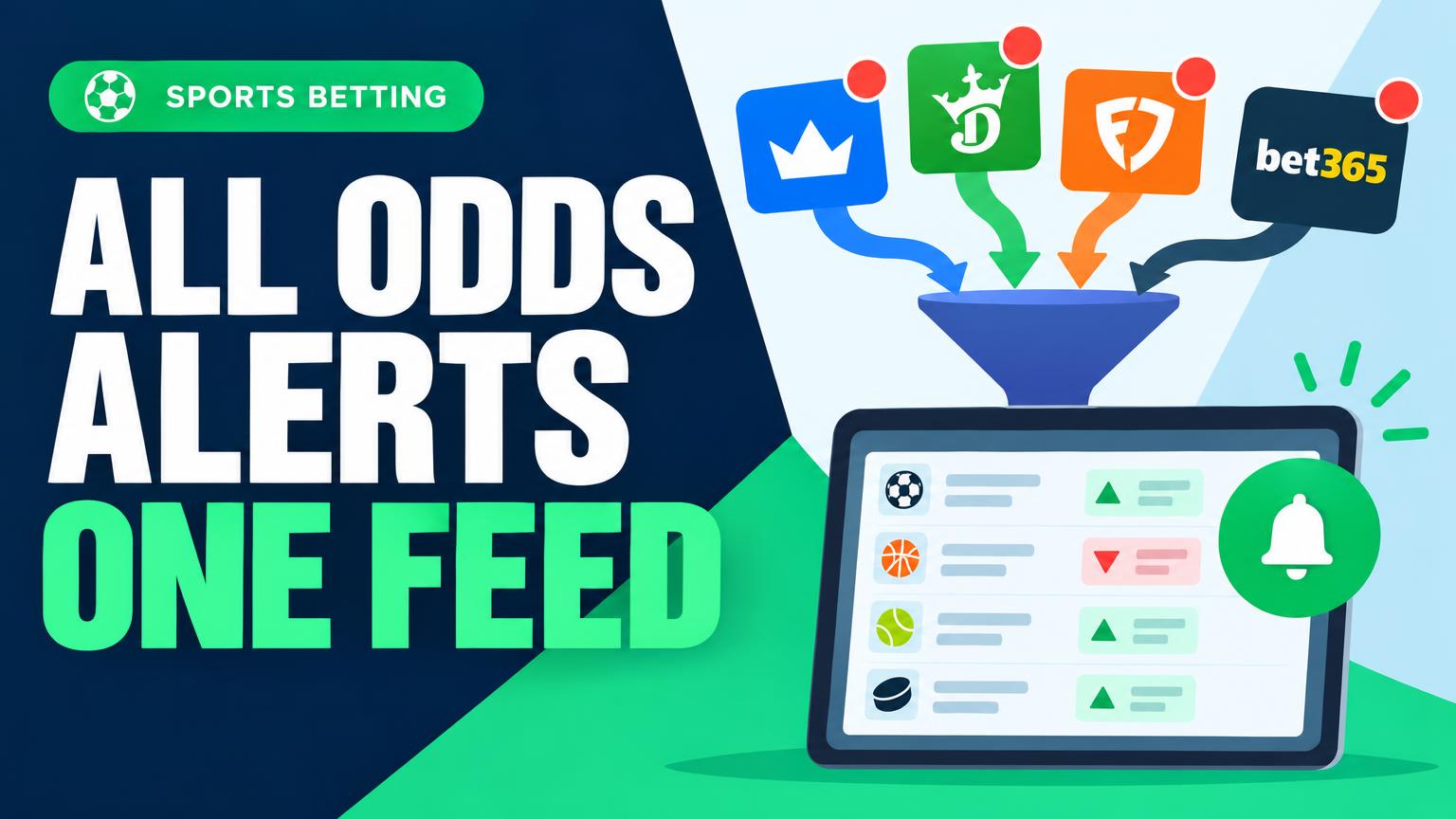
Even a small set of beginner-friendly betting tools can create this overlap. The practical goal is to bring alerts into one place while keeping sportsbook, market, and price readable at a glance. That makes it easier to dismiss a true duplicate without overlooking a meaningful difference—or having to open several apps to find out what moved.
Map the alerts before merging
Start with a list of every place odds alerts arrive: sportsbook apps, comparison sites, line trackers, email, and chat bots. Record one row per alert rule, not one per app. An app that sends both best-price alerts and line-movement alerts belongs in two rows.
For each rule, note:
- Coverage: sport, market, and which sportsbooks’ prices it watches.
- Trigger: the precise condition, such as a price reaching +150, a spread moving half a point, or a new best price appearing.
- Delivery: where the alert arrives and how quickly it tends to arrive.
Mark a rule unique if it covers a book, market, threshold, or timing need that another source cannot reliably match. To check apparent duplicates, compare a few recent notifications: did they report the same game, side, line, book, and price within a useful time window? Keep uncertain rows on the list rather than assuming they are redundant. The resulting map shows what the combined feed must reproduce before any existing notifications are turned off.
Choose a feed the sources can support
The simplest destination depends on how the sources actually deliver alerts. Check each source’s settings before building a feed around a feature it does not offer.
- A built-in dashboard works well when the tracked sources already appear there and its filters preserve the sportsbook, market, price, and trigger. It may be convenient for viewing odds but less useful if it cannot receive outside alerts.
- A filtered inbox suits sources that send email. Rules can put messages in one folder without changing the original alert, though emails may arrive at different speeds and use inconsistent subject lines.
- Forwarding automation can combine sources that offer supported email, webhook, or app integrations. It takes more setup; forwarding a notification is not the same as checking whether its odds are still current.
An available API can help when a source exposes the needed markets and permits the intended use. It can provide structured fields instead of relying on email text, but rate limits and update frequency still matter. Free odds APIs for aggregating alerts are worth checking against those requirements; not every sportsbook provides a usable API.
Connect one source first. Trigger or wait for a known alert, then compare its source, market, price, and time in the new feed with the original. Check for delays and duplicates before adding the next source.
Give every alert the same shape
An inbox is easier to scan when every alert presents the same facts in the same order. Use one template for all sources:
- Event: teams or participants
- Start time: date, time, and time zone
- Sportsbook: where the price appeared
- Market and selection: what the bet covers and which side was flagged
- Odds: the price shown in the alert
- Trigger: why the alert fired, such as a price change or a target being reached
- Received time: when the combined feed got the alert
Keep start time and received time separate. One identifies the game; the other helps reveal delivery delays. If a source omits a field, mark it not provided rather than filling it from a different alert that may refer to a changed line.
Attach the original message or a link to it. A tidy summary may leave out a line movement, a source-specific note, or the exact wording of a trigger—all useful when deciding whether two alerts truly match.
Collapse repeats, not changes
Two alerts are duplicates only when they match on event, market, selection, sportsbook, trigger, and price, and arrive within a short window—say, 60 seconds. Comparing delivery times is useful for finding repeat messages, but the event itself should be matched by its scheduled start time and teams. A similar-looking alert from another book is not a duplicate.
For example, an inbox and a push notification might produce this cluster for the same game:
- 14:02:10 — Book A, Knicks moneyline +115, odds move
- 14:02:18 — Book A, Knicks moneyline +115, odds move (email copy)
- 14:02:31 — Book B, Knicks moneyline +120, odds move
- 14:02:45 — Book A, Knicks moneyline +110, odds move
- 14:02:53 — Book A, Knicks −2.5 spread −110, odds move
Instead of five separate interruptions, the feed can show one thread:
Knicks game · odds moves
- 14:02:10 · Book A · moneyline +115 · 2 matching messages
- 14:02:31 · Book B · moneyline +120
- 14:02:45 · Book A · moneyline +110
- 14:02:53 · Book A · spread Knicks −2.5 at −110
The email copy is folded into its matching entry, not deleted; its source and arrival time remain available if the alert needs checking. Book B’s price, Book A’s newer price, and the spread each stay on their own line. If two triggers describe the same price—for example, an odds move and a threshold crossing—keep both trigger labels visible rather than assuming they mean the same thing.
Keep the full feed, narrow the interruptions
The combined feed should retain every valid, nonduplicate alert for later review. Push notifications need a stricter rule: they should fire only when a change is relevant enough to check immediately. A quiet phone does not have to mean a thin record.
Start with a small set of conditions, then adjust them after a few days of reviewing the feed:
- Odds movement: Push only when the price moves by a meaningful amount, such as decimal odds changing from 1.90 to 2.00. Smaller moves can stay in the feed. Thresholds may need to differ by market; settings for odds drop alerts offer a useful point of comparison.
- Target price: Notify when a watched selection reaches its chosen price, rather than on every step toward it. Specify the sportsbook so a price at another book does not trigger the wrong alert.
- Sport and market: Limit pushes to sports and bet types actually being monitored. Keep other covered markets visible in the feed.
- Time before the event: Set a cutoff, such as 15 minutes before start, if late alerts leave too little time to assess them.
Add an implied-probability trigger
An implied-probability trigger is an optional way to compare price moves on a common scale. For decimal odds, divide 1 by the odds and multiply by 100. A move from 2.00 to 2.10 changes the implied probability from 50% to about 47.6%—a 2.4-percentage-point shift. That measures the quoted price change, not whether the bet has value.
To test implied-probability alerts, keep every move in the full feed and send a push only when the shift reaches, say, two percentage points. After several events, compare the quieted alerts with the full feed: did any smaller move matter because of its market, timing, or sportsbook? Tighter push filters mean fewer interruptions, but they can conceal useful signals. Start with a threshold that is easy to check, then adjust it based on what the feed shows.
Run both feeds before switching off alerts
Keep the original notifications active while the combined feed runs beside them for several days. Include a busy slate and a quieter period, then log a sample of alerts with their source time, feed arrival time, event, market, selection, sportsbook, and price. Compare each original alert against the full feed—not just its push notifications.
Look beyond the total count. A missing push may be an intentional filter, but a missing feed entry means a signal was lost. Check repeated entries against the deduplication rules, and open the original alert when a label looks wrong. A player prop filed as a game total can be harder to spot than a blank field. Note any delays that would make a price change stale by the time it appears.
Next, test a failure rather than waiting for one. Pause a forwarding rule or disconnect a test integration, then send a known alert. The feed should display a clear error or source-stale warning, or the original alert should arrive through a backup route. Restore the connection and confirm that new entries resume without replaying the same signal twice.
For page-based inputs, how to avoid sportsbook scraping blocks is worth reviewing if a source stops updating. Do not switch off the originals until important sources and markets have been checked and a broken connection produces a visible warning or a working backup.
Once the parallel check shows reliable coverage, mute one original notification at a time. Leave its alert rule active, then confirm that the next matching alert reaches the combined feed with its source, sportsbook, market, and price intact. Keep a short list of muted notifications and how to restore them. If an expected alert goes missing, turn its original notification back on while the gap is investigated.
Periodically check account connections, forwarding permissions, rule settings, and a few original alerts against their feed entries. Repeat those checks whenever a sportsbook changes its alert options, a market is added, or an integration is updated. Fewer interruptions should not mean fewer signals.